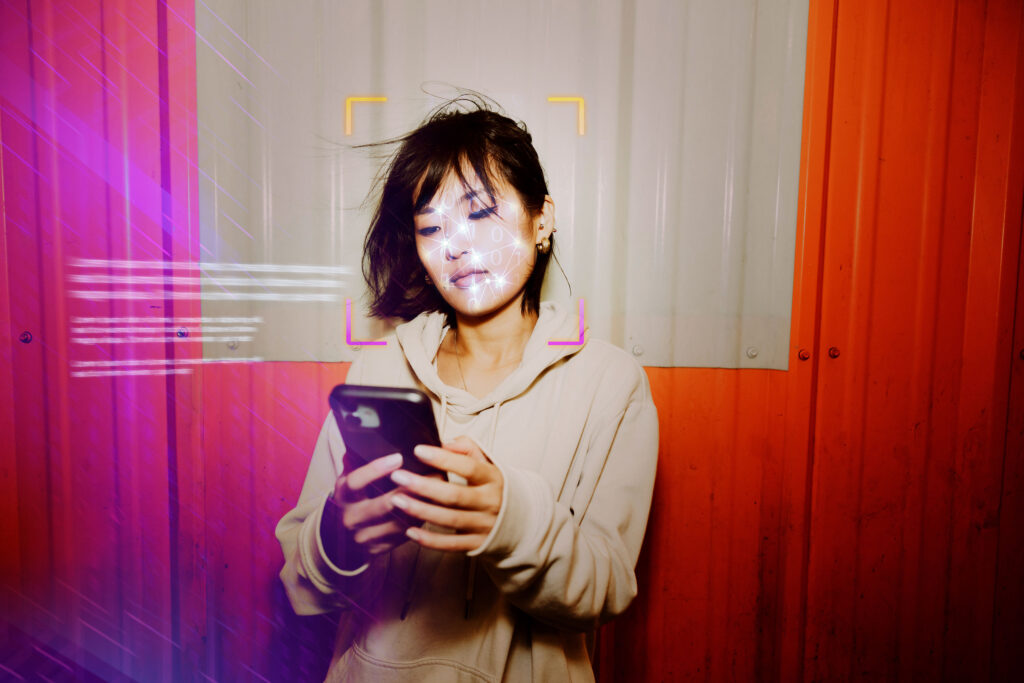
Many of you have a privacy fear so specific that you can put your finger on it: that your biometrics — the unique patterns of your fingertip or your face that distinguish you from other people — will get irrevocably ingested into a giant database.
My latest reminder of that fear came from reading the comments on the passkeys column I wrote two weeks ago.
Trying to expose less of your data to the digital systems in your life is fundamentally reasonable. But when that impulse keeps you from using a technology that will make your devices more secure without your data going beyond those gadgets, it’s not helpful.
I’m writing this based on years of covering information security — and years of experience having fingerprint security protect my own computing. I value this feature enough that I won’t buy a phone, tablet, laptop or desktop without it.
Apple, Google and Microsoft don’t ‘have’ your biometrics
It may not be obvious in day-to-day use, but the fingerprint sensor or facial recognition camera on your phone, tablet or laptop and the systems that process that data aren’t online like other parts of those devices. Meaning: They don’t upload anything.
Apple, Google and Microsoft designed their operating systems to save biometric data only to the device on which you first recorded that data — and then lock this information in a secured enclave on that machine.
That’s why while you can transfer over almost every other app and setting when changing phones, you have to redo your fingerprint or facial recognition data each time.
This protection has held up under the scrutiny of independent security experts.
Rich Mogull, a longtime researcher and CEO of Securosis, said in an email that he had yet to see any successful attack on biometric data saved in these systems, noting that Apple’s implementation — in which mathematical representations of your biometric data are tied to a specific device — adds an additional line of defense.
“Even if you could come up with some way to extract it, you couldn’t use it anywhere else or reconstruct the fingerprint or face,” he said.
You’ll also regularly see cybersecurity experts who endorse biometric unlocking note that the alternative in practice won’t be lengthy, complex passcodes. It will be passcodes that are short and easy to remember and type, because mobile devices — and password managers — require constant unlocking.
Finally, Apple and Google’s theft-protection systems now use biometric security as an extra layer of defense, preventing somebody who steals your phone from taking over your account with just your phone passcode.
Should we talk about the government?
The threat model you will routinely hear about in discussions of biometric unlocking doesn’t involve elite-level hacking. Instead, it’s a police officer or other government agent seizing your device and telling you to unlock it.
Courts have consistently held that the Fifth Amendment’s protection against self-incrimination means you can refuse to disclose a password or passkey, but they have not agreed that this right covers biometric authentication.
That’s why the Electronic Frontier Foundation advises turning off biometric security on a phone before taking it to a protest. You would still be able to unlock your phone with a passcode — but because this is not an all-the-time situation, you can make that passcode longer and therefore harder for somebody to guess.
International borders represent another tricky scenario, with the added risk that if you do not consent to unlock your device, customs officials may be able to seize it for further inspection — even if you’re a U.S. citizen returning to the United States.
Both Apple and Google’s mobile operating systems let you temporarily disable biometric security with quick gestures.
In iOS, hold down either volume button and the side button for about two seconds, then tap cancel to stop the phone from going into its Emergency SOS mode. Almost the same gesture works in Android — volume-down and power on Samsung phones, volume-up and power on Pixel phones, then tap “Lockdown.”
On either of those platforms or on a Mac, restarting the device also automatically disables biometric security; you must unlock it with a passcode or password.
Windows Hello, however, offers no such option. You can’t require a passcode on restart or disable it temporarily.
On Wednesday, the company’s PR agency sent a statement saying that Microsoft is “evolving Windows Hello to require a PIN more often before facial or fingerprint recognition can be used, including after a restart, after signing out or switching accounts, and after an extended time away.”
The real risk is elsewhere
Going to a protest may raise biometric-privacy hackles, but so can going to an airport. Tens of millions of people have provided biometric data and paid to use the Transportation Security Administration’s trusted-traveler TSA Pre, Touchless TSA Pre and Global Entry programs; millions more have paid for Clear’s own biometric-identification service.
Those are all optional, but no such choice exists at many international borders: The European Union’s new Entry/Exit System replaces passport stamps with biometric data, years after the U.S. began requiring visa applicants to provide their own biometrics.
Even at home, Immigration and Customs Enforcement agents now employ facial recognition software, based in part on a database built by the private firm Clearview AI, in enforcement operations.
You don’t have to like any of the above. But as much as you may hate it, no setting or app will do anything about it.
The post The phone security feature everyone should enable — and not worry about appeared first on Washington Post.