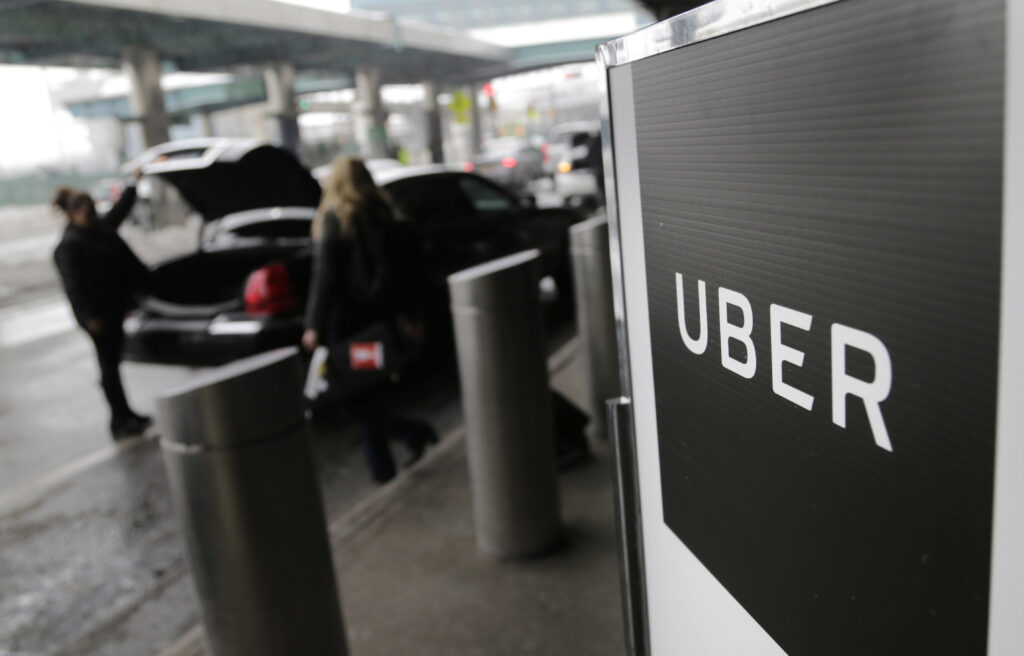
We have no shortage of platforms to book a hotel room, but we just got another option. Starting Wednesday, you can reserve a hotel on the Uber app, among other new features.
The service will roll out to users in the U.S. over the next few weeks and provide access to more than 700,000 hotels worldwide through a partnership with Expedia Group. Vacation rentals through VRBO will also become available to book later this year.
Uber has evolved from its ride-hailing roots it was founded on in 2009. Today, the company wants to be a one-stop shop for our many daily tasks. Users can now use the app to order groceries, deliver flowers, send out dry cleaning and pick up dinner. “People are spending their time in multiple apps and we want to be able to make their life easier,” Uber Chief Product Officer Sachin Kansal told The Washington Post.
“We want to be able to help them save their time,” he continued. “And in the case of hotels, we also want to be able to help them save money.”
Members of the company’s loyalty program Uber One ($9.99 per month), will get 20 percent discounts at a rotating list of 10,000 hotels, and 10 percent back in Uber Credits on all hotel bookings.
The company also says the service will help streamline your travel day by making it easier to book rides to and from your reserved hotel and order Uber Eats and other deliveries to the property or directly to your room. (Uber said delivery drivers cannot see your exact room number unless you provide it for drop-off at your door.)
I found Kansal’s proposition compelling. I don’t feel beholden to any one hotel booking platform and often use multiple websites or apps to find a room. So with a work trip to Florida coming up, I gave Uber’s new tool a try. Here are my takeaways.
How it works
If you’re comfortable with Uber’s ride-hailing and food delivery ordering, you should find its hotel booking tab straightforward. Open the Uber app and scroll down to the “For you” line of icons on your home screen. You should see an illustration of a bed with a Hotels label, along with other options like Ride, Food and Grocery.
Click the Hotels icon and you’ll be able to search by destination, or choose from a selection of “iconic cities” and “weekend getaways.” I typed “Tampa” in the search box, then was prompted to select my travel dates and number of travelers (you can specify adults and children). Next, I was shown a movable map with more than 275 “stays available” displayed with their nightly rate, including taxes and fees. You can whittle down the options with filters like price, guest rating, star rating, accessibility features and other amenities (pet-friendliness, hot tub, etc.).
I dragged my map over to the Tampa airport, filtered my search by price and assessed my options. I’m not an Uber One member, but some hotels still showed discounts for standard users. Uber advertised a $133 room rate at the Hilton Tampa Airport Westshore, down from $177. It had a pool, decent reviews and free airport shuttle. Click!
Once you tapped a hotel, you could see the available room types (i.e. bed size, mobility features, suite). I picked the cheapest one — a standard two double bed — and could then choose a refund policy. For an extra charge, you could extend the window to cancel for a refund. I could make a nonrefundable reservation for $132.57, or add a $19.80 fee to cancel up until two days before my arrival, or $7.62 for the option to cancel up to a week before.
After I picked a refund option, I could review my reservation details again before locking it in, then paid with the default card in my Uber Wallet. A confirmation email arrived in my inbox shortly after.
Is it cheaper?
My reservation, with the add-on refund window cost $140.19. I compared a similar booking across three other platforms: the Hilton website, Booking.com and Hotels.com.
With a Hilton Honors discount, the same room would have cost $144 from the brand website. I have a Booking.com loyalty account that often features strong “Genius” discounts, but not for this room; a reservation with a comparable refund window would have cost $165. On Hotels.com, it was $159.
Uber was the cheapest. I opted into the free trial of Uber One, and was told I’d earn $14.02 in Uber One credits for the reservation, which would be deposited into my account within 24 hours of check-in.
But there’s a catch for hotel points hounds: When you book with a third-party online travel agency (OTA) like Uber (or Expedia, Booking.com, Priceline, etc.), you’re likely forgoing the brand-specific points. Hotels usually only give customers loyalty points if they book directly with the hotel.
For example, Hilton’s policies say in order to earn points and receive “elite benefits,” you must book directly through official Hilton channels. That meant I wouldn’t earn any Hilton Honors Points or member perks for my Tampa reservation, although I can still request to have my Hilton Honors account number added to my reservation to access digital check-in and keys.
I use Uber more than I stay at Hiltons, so I didn’t mind the trade-off.
The takeaway
Overall, the app worked as advertised. My only complaints: I found parts of the app a little sensitive to the touch; as you’re scrolling through the hotel listings, you can easily tap a hotel by mistake instead of continuing your scroll, which takes you to a “hang tight” screen to load the next slide, then shows the hotel. It also took a few beats to process my reservation. Both could be chalked up to growing pains, as the function is in its infancy.
Otherwise, it was, as Kansal promised, pretty seamless. It was just as easy to use as my other go-to hotel booking venues, and I was happy to earn some “cash” back for my reservation.
Does that mean I’ll give up my current process of scouring Google Maps, opening 147 tabs and conspiratorially comparing prices across multiple platforms? We’ll see.
The post Uber says its new hotel booking service will save you money. Does it deliver? appeared first on Washington Post.