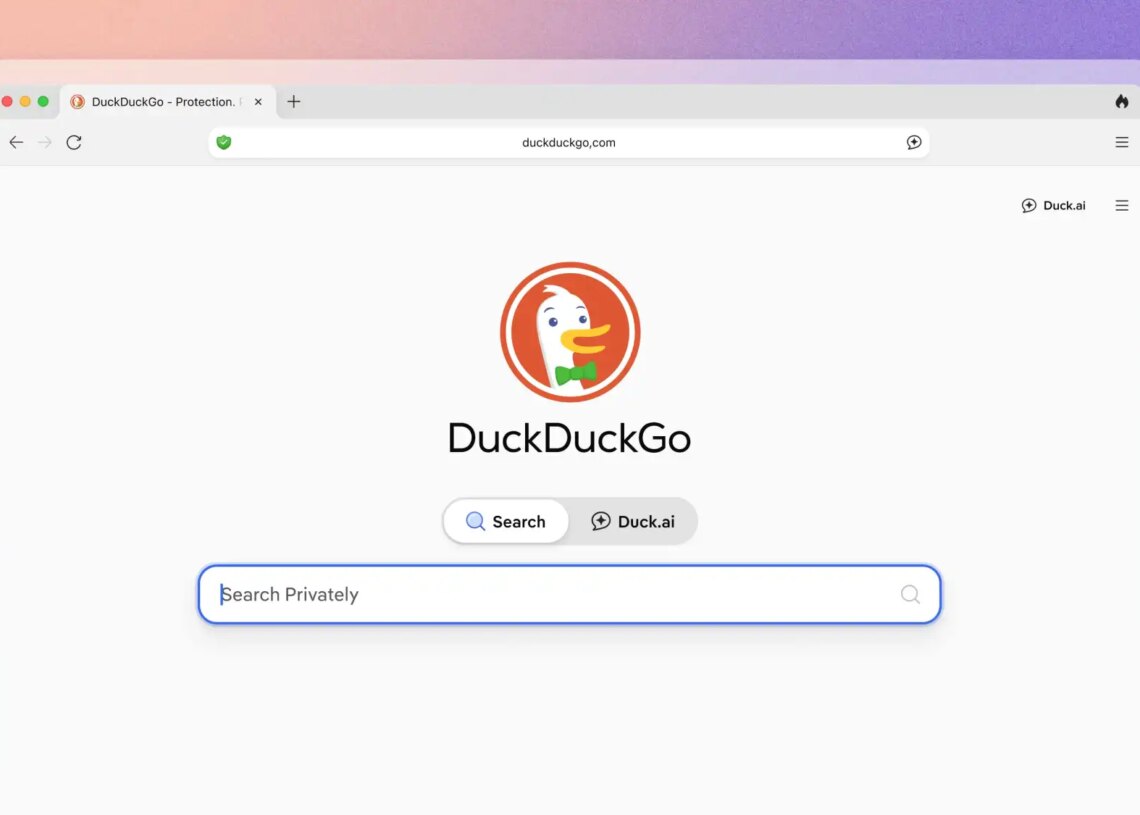
Recently, I began a trial run—I could hardly call it an experiment… with a straight face—of replacing all my Google usage with DuckDuckGo and seeing how my sanity fared.
Well, it fared well enough that I’ve kept right on using it. One of its major selling points, aside from its no-tracking policy, is that it’ll let you opt out of nearly any vestige of AI in your search results.
There’s a shortcut for those who don’t want to dig through DuckDuckGo’s settings menu to set them all, though. And you don’t even have to download anything. No app, no browser extension.
Just type in noai.duckduckgo.com, rather than duckduckgo.com, and it’ll switch all these AI features off automatically. Pretty sweet, right?
DuckDuckGo Quietly Added a Way to Search Without Any AI
“Searching on noai.duckduckgo.com works the same as searching on duckduckgo.com, except all AI features are turned off and AI-generated images are filtered out of results by default,” DuckDuckGo writes. So what are those AI features it turns off, exactly?
Within the toolbar at the top of DuckDuckGo’s search engine page, there’s an option to hide AI images in your image results. That filter option is right there alongside setting your region, toggling SafeSearch (which filters out “adult” content), and other options, such as recency and size. When you access noai.duckduckgo.com, you don’t have to find this setting because AI images are hidden by default.
Likewise, you can turn off the AI-generated answers in your search results (like Google leans on heavily now), courtesy of Duck.ai, if you don’t want those, either.
Usually, you’d have to click the gear symbol next to the AI-generated answer to access the settings menu that allows you to set how often AI-generated answers appear in your search results. Or to turn them off entirely. Noai.duckduckgo.com turns off AI-generated answers automatically, too.
The third AI feature that noai.duckduckgo.com turns off is Search Assist. It “(scans) the web for relevant content and (users) AI-powered natural language technology to generate a brief answer based on the information found.” It’s autonomous, according to DuckDuckGo.
But it’s still AI, so when you’re using the No-AI version of the search engine, it’s turned off too.
The post You Can Still Search DuckDuckGo Without AI. Here’s How to Do It. appeared first on VICE.