In Grand Theft Auto VI, Jason and Lucia can whistle to draw a guard away from their post. It’s an easy trick to miss, especially if you’ve only used the interaction menu to greet or provoke people on the street. Here’s how to whistle in GTA 6 on PS5, where you can try it in free roam, and how to use it to sneak past enemies.
How Do You Whistle in GTA 6?

To whistle in GTA 6 on PS5, hold L2 to lock onto a guard or hostile NPC, then press Triangle when the “Whistle” prompt appears. Look for the prompt in the bottom-right corner of your screen, where the game displays the interactions available for the person you’re targeting.
- Step 1. Find a guard or hostile NPC in an Illegal Operation / Restricted Area. Look for someone guarding a restricted area or an enemy you encounter during a mission.
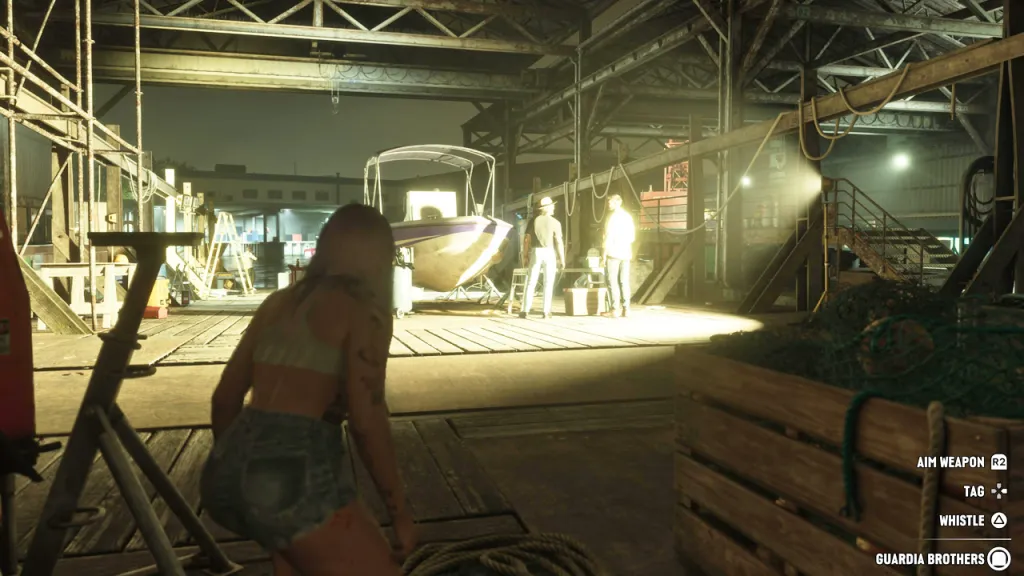
- Step 2. Look at the guard and hold L2. You can bring up the interaction menu with your weapon holstered.
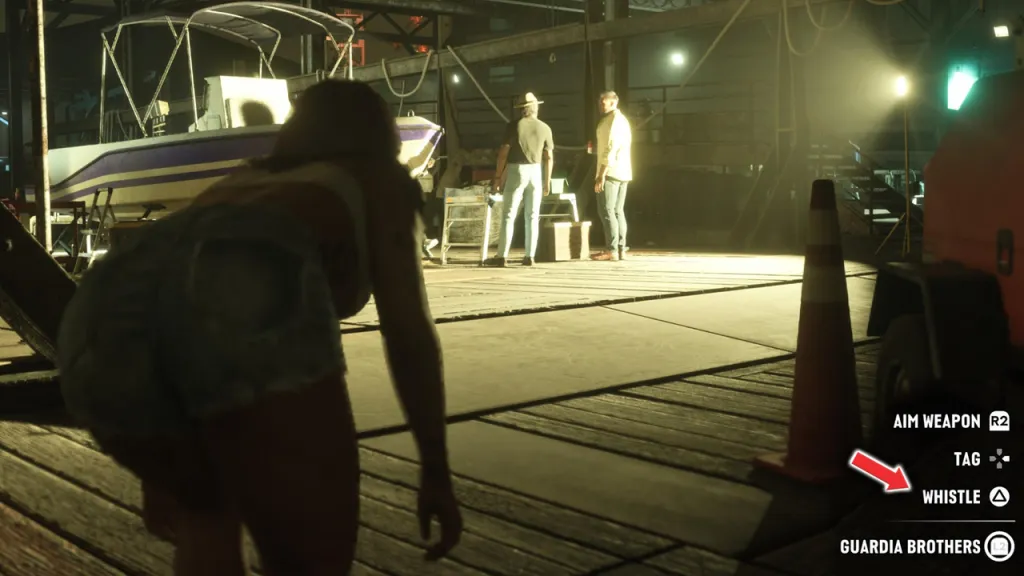
- Step 3. Press Triangle while still holding L2. Wait until Whistle appears next to the Triangle icon before pressing it.
How to Use Whistle to Distract Enemies in GTA 6
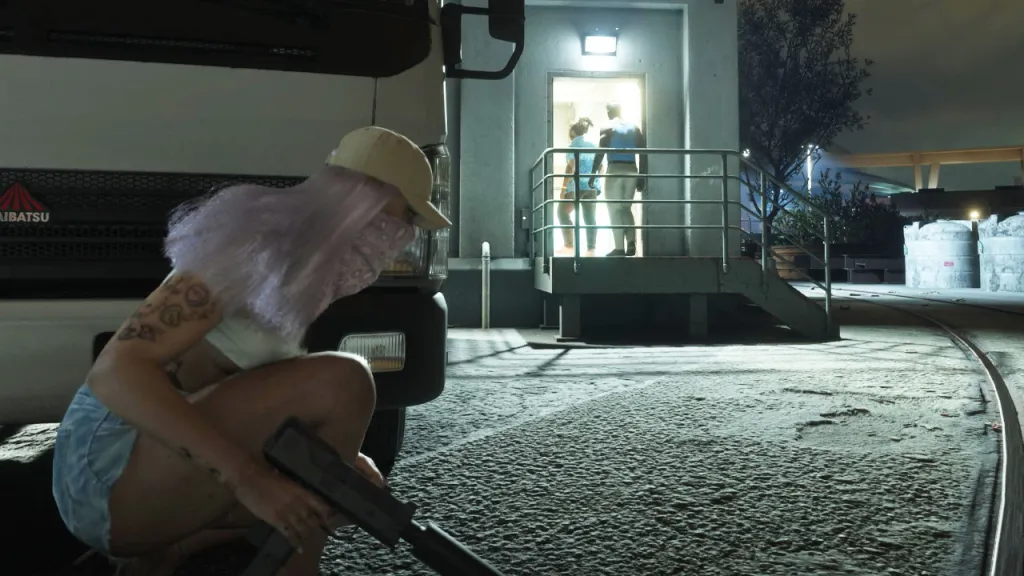
Get into position before you whistle. If a guard is blocking the way into a restricted area, move to a nearby corner where you can still target them. Whistle while they’re at their post, then wait for them to walk over and investigate. Once they’ve moved, you can use the opening to slip past.
You can also use the whistle to draw one enemy away from a group. Pick a guard on the edge of the group and wait until they’ve put some distance between themselves and the others before moving. The whistle draws the target toward your position, so have a route in mind before you press Triangle.
Why Isn’t the Whistle Option Showing Up in GTA 6?
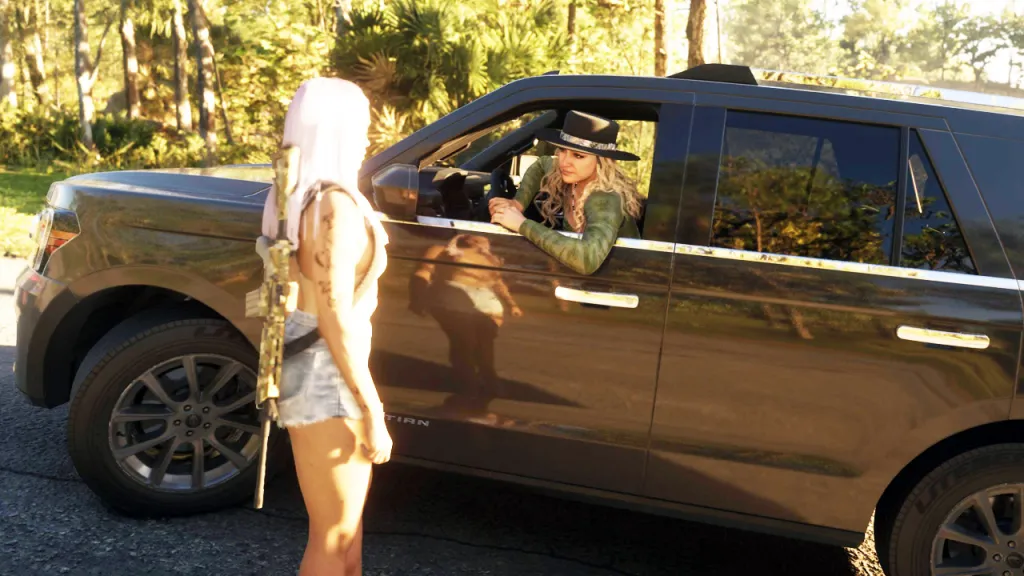
The GTA 6 whistle feature only works in hostile areas such as Illegal Operations or main story quests. You need to be aiming at an enemy specifically for the Whistle Button to pop up. This means you can’t whistle at random NPCs walking around Leonida.
Instead, Holding L2 brings up different options depending on who you’re looking at. If you’re targeting a random pedestrian, you’ll usually see dialogue options like Greet or Provoke. Switch your target to a guard or hostile NPC and check the bottom-right corner again. You may also see Whistle listed but grayed out, which means the action is unavailable at that moment.
To test out the feature, we recommend sneaking into a GTA 6 Illegal Operation and then looking for guards. This will give you practice so you can use the mechanic in future missions or criminal activities.
The post How to Whistle in GTA 6 and Distract Guards appeared first on VICE.