Do yourself a favor and download iFixit’s new app.
The free app from iFixit, a repair and advocacy organization, has one extremely handy feature for any smartphone model: It shows a personalized “death date” of when you should replace your phone’s battery, long before it fails on you.
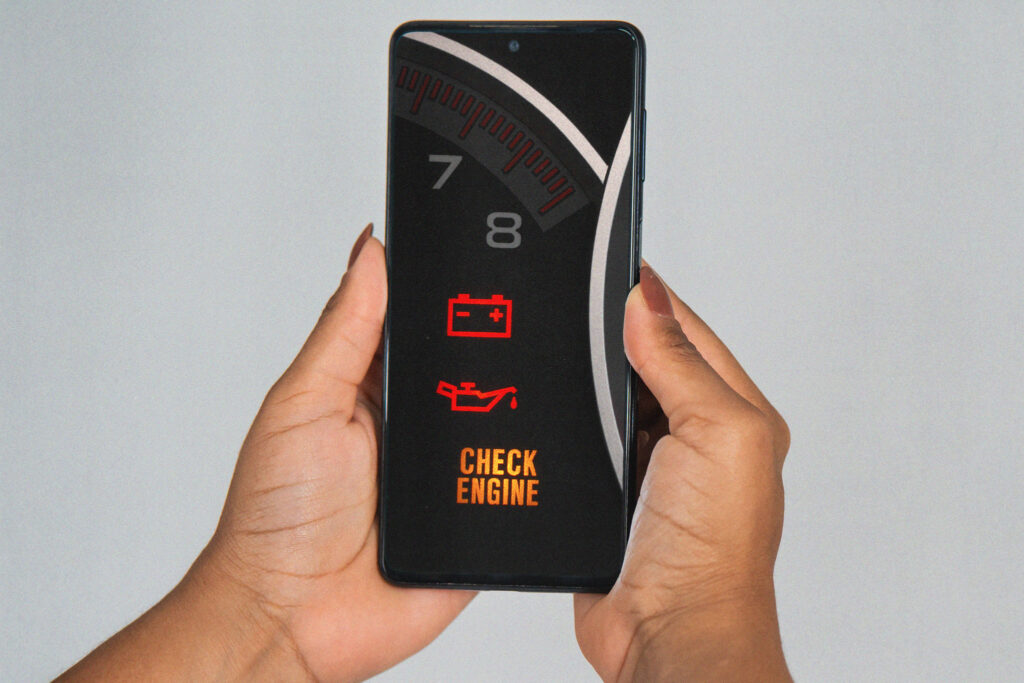
Think of it like a check engine light for the phone part that’s likeliest to go kaput. (Download the app for iPhones or Android.)
This iFixit feature is a step up from the vague battery health status built into phone settings.
As a bonus, the iFixit app has a handy artificial intelligence chatbot, too.
The iFixit app is a reminder that the most helpful technology doesn’t always come from mammoth companies. Organizations like iFixit that obsess over your needs can outgun the big guys in delivering actually useful apps and AI.
A check engine light for your phone
After I had a recent scare when my phone battery started to swell up, I’m a convert for doing routine replacements before your battery goes bad.
But good luck figuring out when your phone battery should be replaced before it’s glaringly obvious. I’m looking at you, panicky guy at lunchtime with your 5 percent charged phone.
The battery health feature in most phone settings isn’t that useful. (Follow instructions from Apple and Samsung to find this setting.)
On all but the newest iPhones, the battery health may just tell you that your battery’s capacity is 94 percent of the maximum. Okay.
Typically when the battery capacity drops below 80 percent or so, your battery life starts to fall off a cliff. That isn’t spelled out in this setting. It’s also unclear how quickly you might reach this unwelcome zone.
Other devices’ battery health settings may show even less information or a binary status update: Is your battery ill or healthy?
The iFixit app gives you information you can act on. It shows a battery health status — good, fair or poor. Even better, it shows a personalized prediction of the month and year when your battery is probably going to degrade so much that it’s worth replacing.
“That’s the critical planning piece that consumers have been missing,” said Kyle Wiens, CEO of iFixit.
The iFixit app might also suggest a local fix-it shop from its roster of trusted repair stores. You’ll find links to iFixit repair guides and spare parts if you want to replace a battery yourself.
A battery replacement predictor may not seem like rocket science, but Wiens said that phone makers don’t necessarily make this information accessible. (For iPhone users, tap the iFixit app’s “Battery Data” section for instructions on a clunky settings change. )
A cynic might say that phone manufacturers don’t want to make it simple to replace your battery instead of buying a new device.
I know people who try to squeeze life out of their battery by keeping their phone charged between 20 percent and 80 percent. You do you. I think that if you have to baby your phone that much, the robots have won.
I prefer to do less: Try to avoid extreme temperatures for your phone. Turn on the adaptive charging feature, if your phone has one. And replace your battery when iFixit’s app tells you.
Bonus: an AI helper that doesn’t stink
The battery feature alone makes the iFixit app worth downloading.
But I also found the app’s FixBot useful for help diagnosing problems with appliances and electronics and walking through repair resources.
Now that the youths love old digital cameras, I want to revive and resell my dead, 15-year-old Canon digital camera. A model like mine can sell in good condition for $100 or more.
I used iFixit’s app to take a photo of my Canon and chatted with the AI to figure out how to power it on again. I now know that I need to rummage through my junk drawers to see if I still have the battery charger that came with the camera.
Or the iFixit chatbot linked me to replacement, trustworthy parts that I can buy from its site.
Wiens said that because the AI is tailored to iFixit’s online library with decades of service manuals and fix-it guides, its repair information is more specific and accurate than general purpose AI chatbots. I can’t verify that.
I did test Google’s AI-powered search versus FixBot for a question about a timer delay for the iPhone’s video camera. FixBot told me the correct answer — there’s no timer delay for video; only for photos. Google was less useful.
The iFixit chatbot is free now but Wiens said that iFixit’s AI bills cost a fortune. Some features will require payment soon.
The post There’s finally a check engine light for your phone’s biggest problem appeared first on Washington Post.