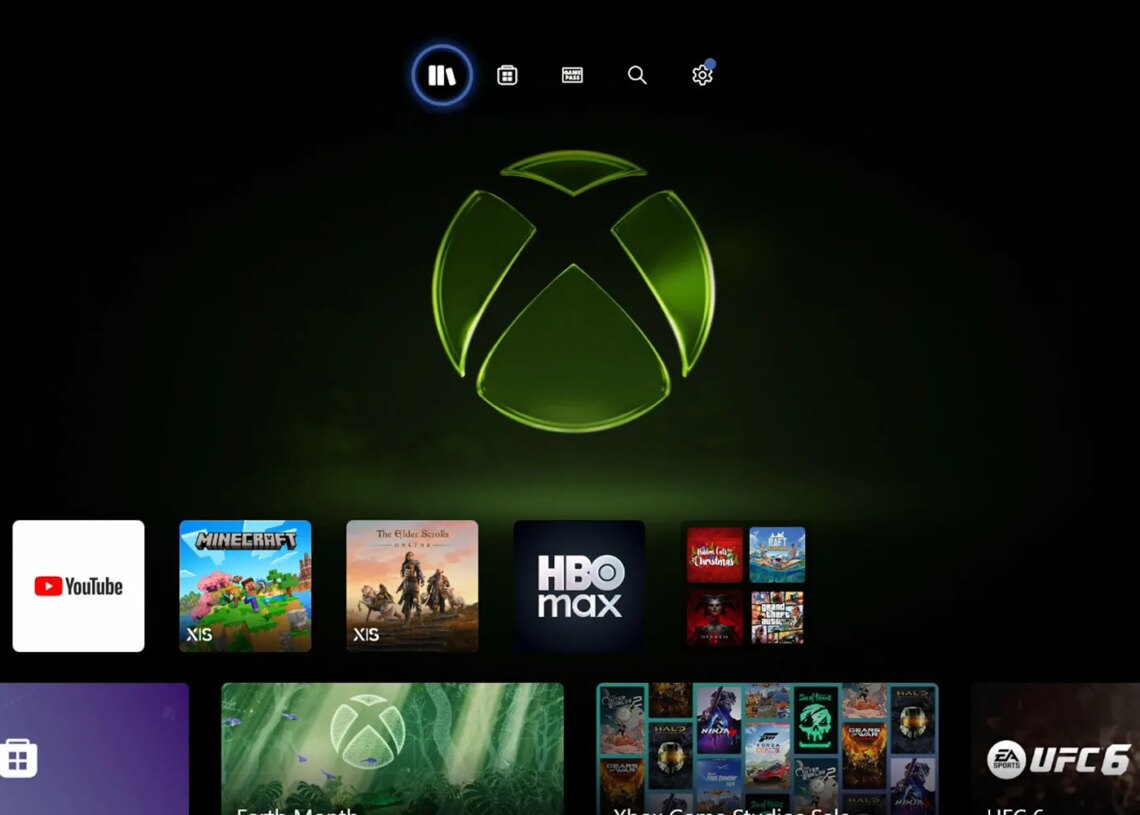
A new update is now available for Xbox console owners and it includes twelve big changes alongside a handful of bug fixes.
Every Change in The July 15 Xbox OS Update
Xbox is still attempting to shake the negative news cycle after the massive round of layoffs that were announced as part of Asha Sharma’s Xbox reset. Although the industry is still waiting for the other shoe to drop when the next round of announced layoffs actually take place, the company is attempting to move forward with business as usual for Xbox Game Pass announcements and other changes.
A new OS update quietly arrived for Xbox consoles this week and brought a dozen interesting tweaks and changes to the software. Most of these tweaks had already been tested through the Xbox Insider program, so some gamers will likely already be familiar with them.
Here is a breakdown of all the key features and changes in the latest update:
- Gamertag changes
- “We’ve heard from players who wanted a little more flexibility when choosing a gamertag, and we’re bringing back support for unique gamertags up to 15 characters long, expanded from the previous 12-character limit.
- This update applies to gamertags that are unique and available, giving you more room to create a gamertag that feels like you. Gamertags that are not unique or contain non-Latin characters may have a suffix and will continue to support up to 12 characters.”
- Library customization
- You can now display games with rich poster-style artwork for a more immersive library experience. To toggle your library box art layout based on your preference, go to My games & apps and then go to Manage > Settings > Customize games & apps > Choose a tile style for My games & apps.
- Additionally, you can now remove badges from the box art for your games to match your preference. To enable or disable badges on your games, go to My games & apps and then go to Manage > Settings > Customize games & apps > Choose which icons will appear on game tiles in My games & apps and recently played lists.
- Profile color
- You are now able to enter a specific hex color code for precise color selection or use the new “match my gamerpic” option to pull a color directly from your gamerpic.
- Once you’ve picked your color, you can preview how it carries across your console, making it easier to see exactly how your look comes together before you set it.
- To change your profile color using one of these options, go to Settings > General > Personalization > My color & theme > My color.
- Console update release notes
- After your console updates, you can now quickly access the latest release notes directly from Home’s top navigation to easily see what’s new and explore new features. We’ve also improved the release notes themselves, adding more details about new features, changes, and major bug fixes.
- Service alerts
- Now you can stay informed without leaving your console. When there’s a confirmed XBOX service issue, a new indicator will appear on the top navigation on Home so you can quickly see what’s going on. From there, you can jump straight to a status page with the latest updates on what’s affected and when things are expected to be back up and running, no need to check other sites or social channels.
- Mutual friends
- When you view another player’s profile, you can now see mutual friends on XBOX (depending on their privacy settings), helping you feel more confident connecting. If you’re viewing a player that you are not already friends with, you’ll also see how many mutual friends you share, making it simpler to discover new people and build connections, whether you met through multiplayer, or across the XBOX community.
- Wishlist
- You can now add games to your Wishlist directly from the Game Card before they’re available for purchase. That means less time searching later and an easier way to keep track of the games you’re looking forward to.
- Xbox accessories app
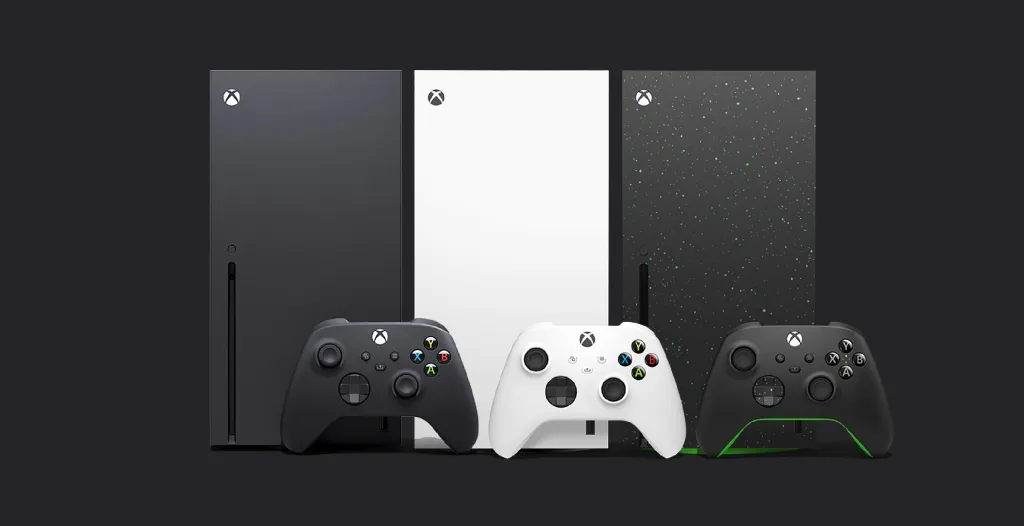
- The XBOX Accessories app now shows an image of the specific XBOX controller you have connected. Whether you’re using a supported standard or special edition XBOX Wireless Controller, or an XBOX Elite Wireless Controller Series 2, it’s easier to confirm you’ve got the right one. selected, especially when you’re remapping buttons or adjusting settings to fine-tune your set up.
- Offline personalization
- More personalization options, such as dark and light themes, custom backgrounds, setting a solid color background, a limited selection of dynamic backgrounds or customizing the color of dynamic background are now available when your console is offline.
- Settings changes
- We’ve reorganized the personalization settings for Home and Games & apps into separate sections in Settings. To make these more convenient to access, we’ve added entry points to these pages from all context menus in Home and My games & apps as well. To adjust these settings, go to Settings > General > Personalization.
- Cloud gaming
- Players will now see the game art when cloud gaming sessions are loading. When your streaming session begins, you will now be taken directly into the game instead of seeing the XBOX logo before the game loads.
- Achievements
- XBOX 360 achievement art will now be rendered with crisp pixel blocks when upscaled.
- Bug fixes
- Fixed an issue where My Games and & Apps could crash while installing updates.
- Fixed an issue where navigation focus could get reset unexpectedly.
- Fixed an issue where the game list would fully reload after entering a game’s achievement details and then backing out.
That’s a lot to digest, but it should be everything players need to know and understand about the latest major Xbox OS update. The Gamertag changes and library personalization are likely going to be the most exciting changes for the average gamer. That said, a subset of gamers who prefer to play offline will likely be pretty excited about that update, as well.
Be sure to check back soon for lots more Xbox news and updates.
The post Xbox Rolls Out A Dozen New Console Features in Surprise Update appeared first on VICE.