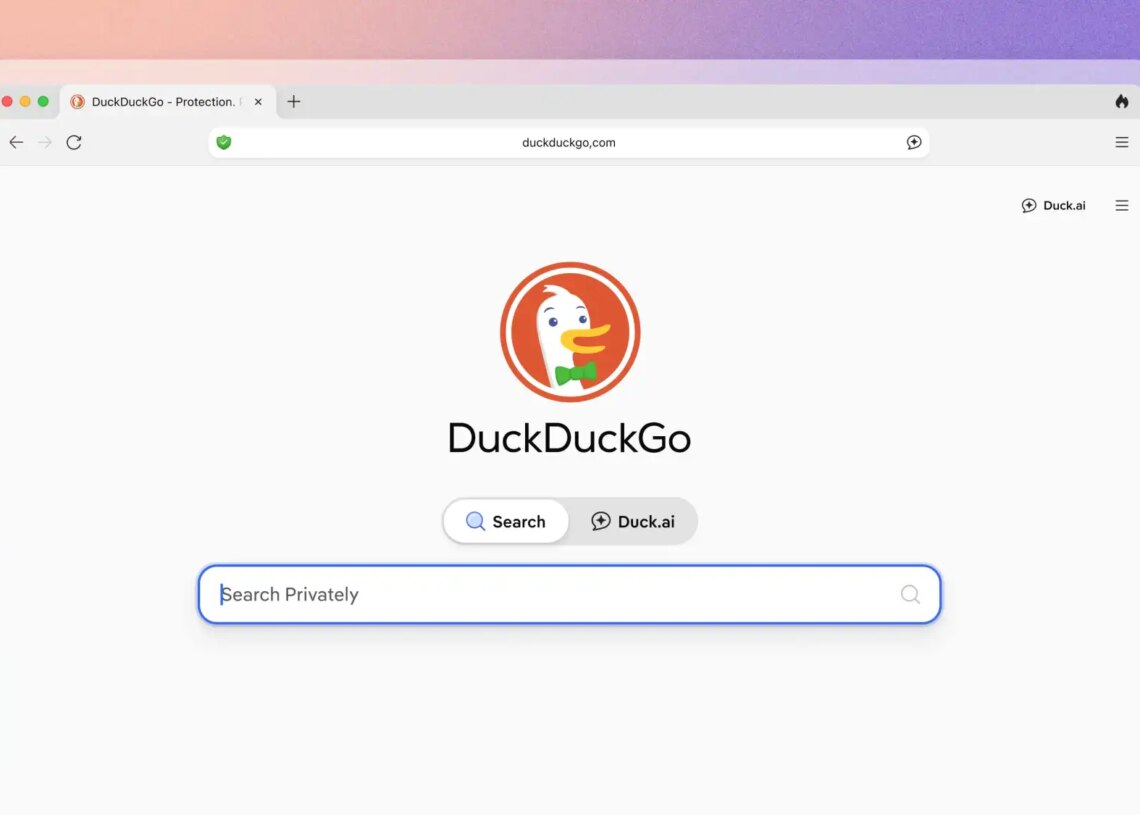
DuckDuckGo is the most prominent alternative search engine for those wary of Google and Microsoft Bing’s greed for recording their search activity.
It’s a much more privacy-forward search engine, and I’ve been using it instead of Google for months now with happy results. DuckDuckGo knows that a lot of us have AI fatigue and just want to opt out of AI’s intrusion into search engines. They make that easy.
But if you want to edit images using AI without baring your digital soul to an AI model, DuckDuckGo has a new feature for you.
DuckDuckGo’s AI Features, Explained
Duck.ai is DuckDuckGo’s built-in AI (yes, everyone seems to have their own these days) that “allows you to have private conversations with 3rd-party AI chat models, anonymized by us,” as DuckDuckGo itself put it.
In order to try out the new image editing feature, go to Duck.ai, select New Image, then Start With An Image, and upload an image in the JPEG, JPG, PNG, or WebP format. DuckDuckGo says that uploaded images are stored locally on your device, not on Duck.ai’s servers, and that they remove any identifying metadata, such as your IP address, before sending your prompts to OpenAI, which provides Duck.ai’s AI model.
If mention of OpenAI rings a bell, that’s the company behind ChatGPT, DALL-E, Atlas, and Sora. When you’re using these models directly from OpenAI, they aren’t as anonymous as Duck.ai. It’s Duck.ai that provides that extra tweaking for anonymity’s sake on your behalf.
Just a reminder, though, that if you upload an image with you (or anyone) in it, it’s not entirely anonymous. Even though Duck.ai will scrub your IP address and personal device information from it before sending it off to the OpenAI-provided model, you’ll still be sending a picture of an identifiable person out across the waves of the internet.
The post DuckDuckGo’s Anonymous AI Now Lets You Edit Images appeared first on VICE.