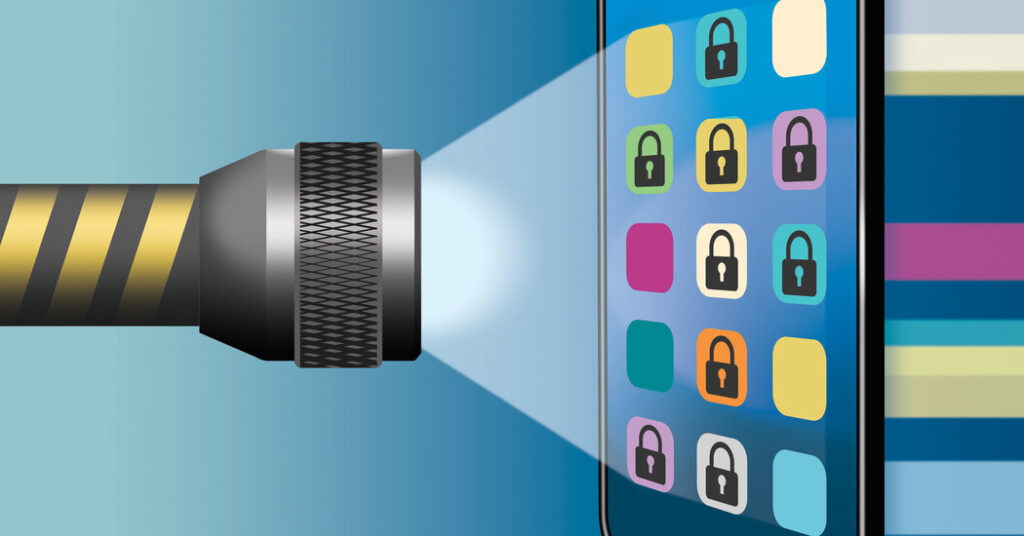
When U.S. border agents turned away a French scientist in March after searching his phone, the French authorities cried foul, blaming messages commenting on President Trump’s policies for the decision. U.S. officials denied that politics had played a role, but the incident left some travelers with an urgent question: Are such searches even legal?
The short answer is yes. U.S. Customs and Border Protection agents have broad authority to look through travelers’ phones, laptops and other electronic devices under an exception to the Fourth Amendment’s protections against warrantless searches.
C.B.P. conducted 55,318 searches of electronic devices at ports of entry in fiscal year 2025, according to the agency. That’s up from the previous two years, though the number represents only about 0.01 percent of the nearly 420 million travelers who entered or exited the country by air, land and sea in fiscal year 2025, according to the agency.
“These searches are conducted to detect digital contraband, terrorism-related content and information relevant to visitor admissibility, all of which play a critical role in national security,” Jessica Turner, a C.B.P. spokeswoman, said in a statement.
That may be true, but an increasing number of travelers report being questioned about legally protected online speech when crossing the border.
Several factors, including citizenship status and where you enter the country, determine your rights to digital privacy at immigration checkpoints. Noncitizens owned a majority of devices searched by C.B.P. in the last three years, though the share of devices searched that belonged to U.S. citizens rose to about 25 percent from 21 percent over that period.
Here’s a look at what C.B.P. agents can and can’t do with your devices, and the steps you can take to safeguard your private data.
Do I Have to Unlock My Device?
Agents can demand access to any traveler’s electronics at a port of entry for any reason. If you’re a U.S. citizen or a lawful permanent resident, such as a green card holder, they’re required to let you enter the country even if you refuse to unlock your device. But agents can still seize your device and hold on to it for five days, or longer at a supervisor’s discretion, said Kabbas Azhar, an Equal Justice Works fellow at the Electronic Privacy Information Center, a nonprofit research and advocacy group.
Deciding whether to unlock your device is “a very personal” choice that may depend on what information you’re carrying, said Nate Wessler, the deputy director of the Speech, Privacy and Technology Project at the American Civil Liberties Union. If you’re a doctor whose phone holds private information about patients, for example, or a journalist with confidential sources, you may be less willing to enter your passcode for a C.B.P. officer.
“People have to weigh the practical implications,” Mr. Wessler said. “Would they rather try to protect their privacy but lose use of their phone for potentially weeks or months, or end up giving the password and making it easier for the government to search?”
During a basic search, an officer looks through the device by hand. But in rare cases, agents can perform an advanced, or forensic, search, during which they copy a device’s contents onto a government computer for further analysis. A forensic search may even be able to unearth some files that a device’s owner had deleted, Mr. Wessler said.
The passcode calculus is different for foreign tourists and other people without permanent status in the United States, since they have no legal right to enter the country.
“In that case, it’s usually best to just give the information, because otherwise they’ll turn you right around,” Mr. Azhar said.
The last meaningful updates to rules regarding electronic device searches at the border were made in 2018, during the first Trump administration.
C.B.P.’s authority to search devices applies to travelers both entering and exiting the United States. But an overwhelming majority of searches happen when travelers are arriving in the country, said Jake Laperruque, the deputy director of the Security and Surveillance Project at the Center for Democracy and Technology, a nonprofit that supports digital free expression.
Officers looking through a device will often check for evidence that could point to criminal activity, including images or messages related to narcotics or child pornography, Mr. Laperruque said. But they could also find content that raises questions about legal activities, such as attending a political protest, or those that fall in a gray area, such as communicating with doctors who provide services that are banned in certain states.
If you’re traveling domestically, your devices are not subject to the same scrutiny. The Transportation Security Administration cannot examine a device’s digital contents.
Do I Have the Same Rights Everywhere?
Not exactly. Federal courts have created a patchwork of rules for forensic device searches. In 18 states, including California, Massachusetts and Virginia, agents need reasonable suspicion to conduct a forensic search, according to the Center for Democracy and Technology. In 10 states, including Florida and Georgia, agents do not need reasonable suspicion. The remaining states, including New York, New Jersey and Texas, have no clear rule.
The legal landscape at New York City airports is especially complicated because of conflicting federal court decisions. The U.S. Court of Appeals for the Second Circuit is weighing a unified rule.
To simplify enforcement, C.B.P. requires agents everywhere to have reasonable suspicion before conducting a forensic search. But that rule includes an exemption for a “national security concern,” which privacy experts said could be broadly interpreted at agents’ discretion.
So How Can I Protect My Data?
Taking one or more of these steps will help protect your privacy no matter where you pass through an immigration checkpoint.
-
Create strong passcodes for your devices using a complex string of numbers, letters and special characters. If you prefer a numerical code, opt for more digits.
-
Update your software. Using the latest operating system will reduce the chances of C.B.P. gaining access to your device if you refuse to unlock it.
-
Buy a second phone and leave your emails, photos and other sensitive information on your devices at home. (The Times’s lead consumer tech writer endorsed this option.)
-
Turn off your device before going through customs. Powering it down more fully encrypts the data, privacy experts said, and disables facial or fingerprint recognition when the device is first turned on. You can also turn off biometrics in your device’s settings.
-
Keep your device in airplane mode. C.B.P. says it will search only “information that is resident upon the device at the time it is presented for inspection,” and officers may not search information that is solely stored in the cloud.
-
Back up your device to the cloud and erase it before going through customs. You can redownload your data later on.
Keep in mind that if you turn off your device or disconnect it from the internet, you may not have access to digital boarding passes or travel itineraries. Carry hard copies of all documentation you may need to present for inspection.
If an agent takes your device, ask for a receipt. C.B.P. says it provides travelers whose devices are seized with a document detailing who at the agency will be their point of contact and how to reach them.
And once you get your device back, just to be safe, change your passcode.
Follow New York Times Travel on Instagram and sign up for our Travel Dispatch newsletter to get expert tips on traveling smarter and inspiration for your next vacation. Dreaming up a future getaway or just armchair traveling? Check out our 52 Places to Go in 2025.
Gabe Castro-Root is a travel reporter and a member of the 2025-26 Times Fellowship class, a program for journalists early in their careers.
The post Phone Searches at the Border Are Up. How to Protect Your Privacy. appeared first on New York Times.