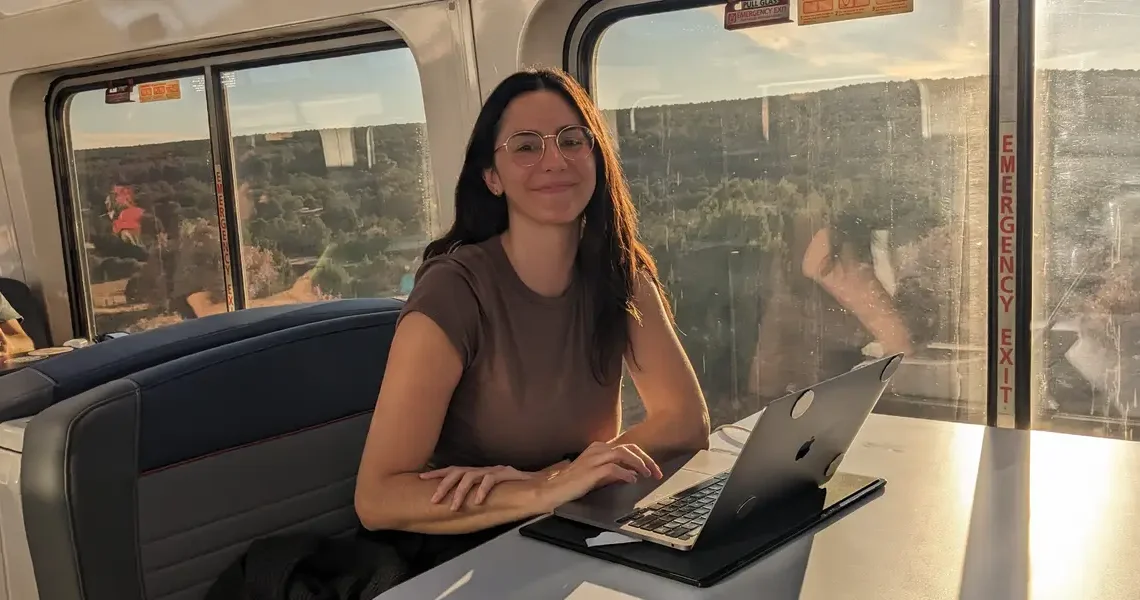
The view from my desk at home in Los Angeles is pretty nice, as far as desk views go. I can see the lush landscaping of my neighbors’ homes in the Silver Lake hills, and, if I lean to my right, the tops of the Verdugo Mountains north of Glendale — but it can get old.
I recently traded it in for the ever-changing views that fly by on Amtrak’s Southwest Chief, a 43-hour 2,265-mile train route from Los Angeles to Chicago that traverses through deserts stamped with deep red mesas, expansive farmlands, historic train stations, and the widest river in the continental US.
As someone who has worked remotely from a wide variety of places over the past decade, I also wanted to see how doable it would be on a cross-country train trip.
Very doable, it turns out. It felt surprisingly similar to a normal couple of days of work — I answered emails, filed stories, and chatted with my editor — but with the added novelty of daily life on the train.
I made it to Chicago without any flight delays or airport traffic, and without using up any PTO on travel time. And the views from my “desk” could not be beat.
While I’d definitely do it again, there are a few things to keep in mind and plan for if you want to work remotely from an Amtrak train.
Not all Amtrak trains have WiFi, so I recommend using a hotspot
Amtrak does not provide WiFi on all of its trains. Some trains and stations offer free WiFi, so it’s best to check your specific route in advance.
Even for those routes that do have WiFi, Amtrak says it only supports general web browsing, with limited streaming and large downloads, to ensure there’s enough bandwidth for all passengers. If you have trouble connecting, Amtrak says you can report it to the conductor, but it doesn’t offer technical support on board.
The Southwest Chief does not have WiFi, so I planned to rely on my cellphone’s hotspot and hope for the best. I gave my boss a heads-up that my internet could be spotty, as I’d read online that cell service might come and go.
Thankfully, I found I had enough cell service to work on my laptop for the vast majority of the trip. There were occasionally moments where my connection would weaken or go out for a couple of minutes. Only once, somewhere in New Mexico, I lost service for about 30 minutes when I would’ve liked to have it.
When I wasn’t online, I did work that didn’t require an internet connection, and it never lasted long enough to be a serious disruption.
Be prepared to stake out a work station and bring extra battery packs
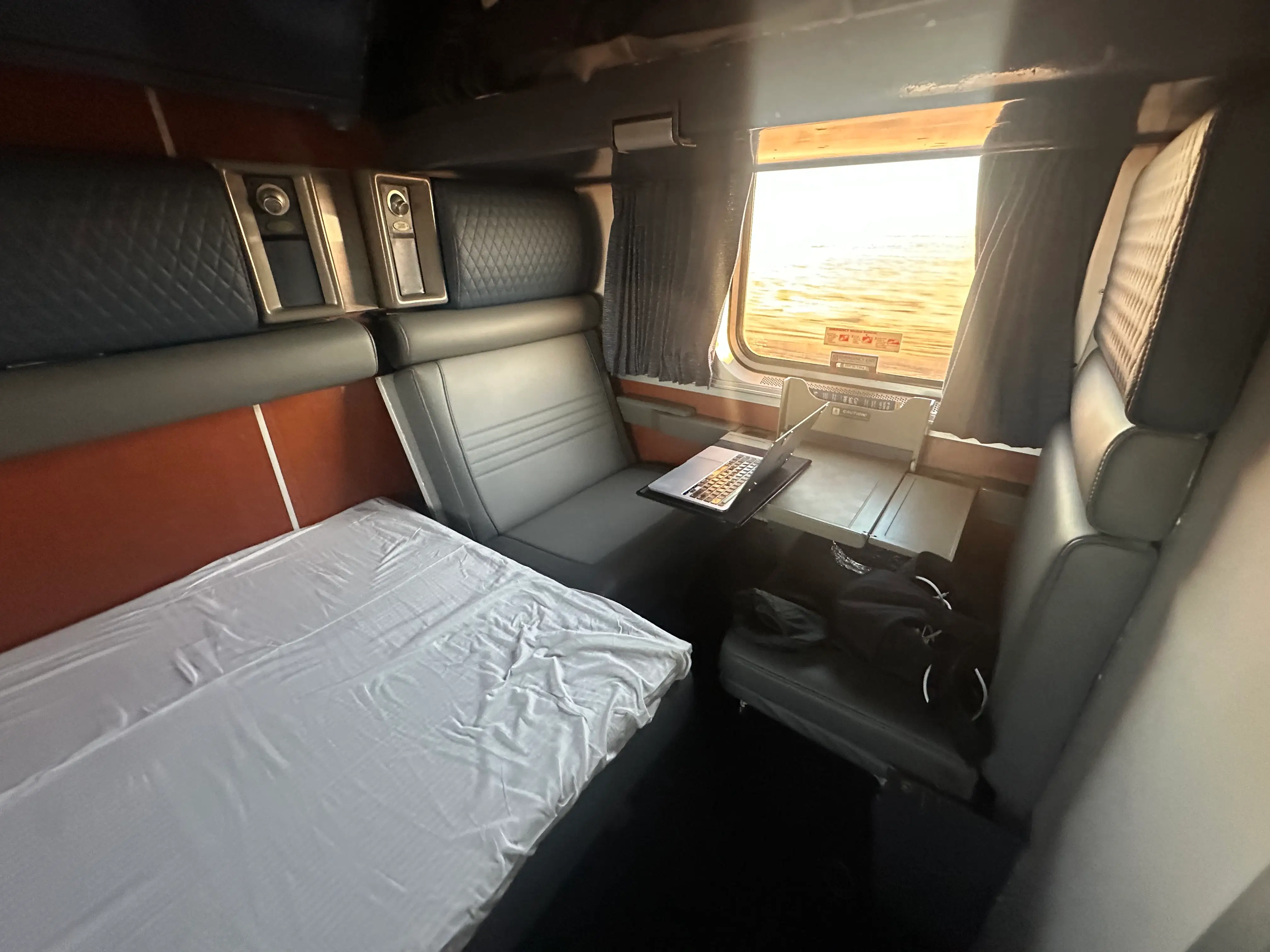
I had a “Family Room” sleeper car that had a bench and a fold-down table I could work at, which was incredibly handy. But I was surprised by the lack of outlets in the room, which spanned the width of the train. The one available outlet was located right in the center at shoulder height.
My big, heavy block of a MacBook charger would not stay in the socket on its own; I used duct tape to jerry-rig the charger so it would stay in place. Extra battery packs to charge our cellphones and other devices would’ve helped too. Outlet availability varies by sleeper car, so you’ll want to check for your specific room.
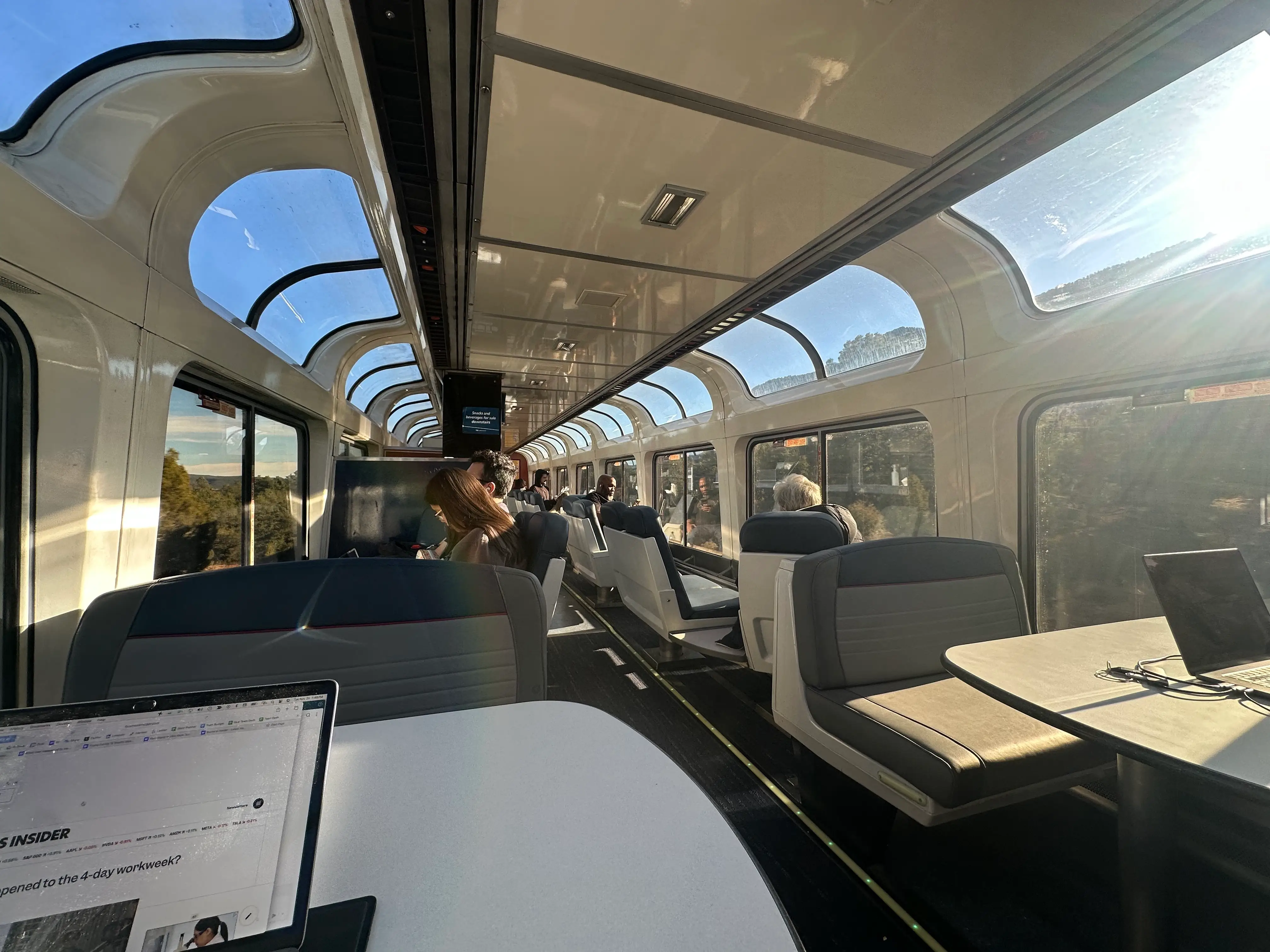
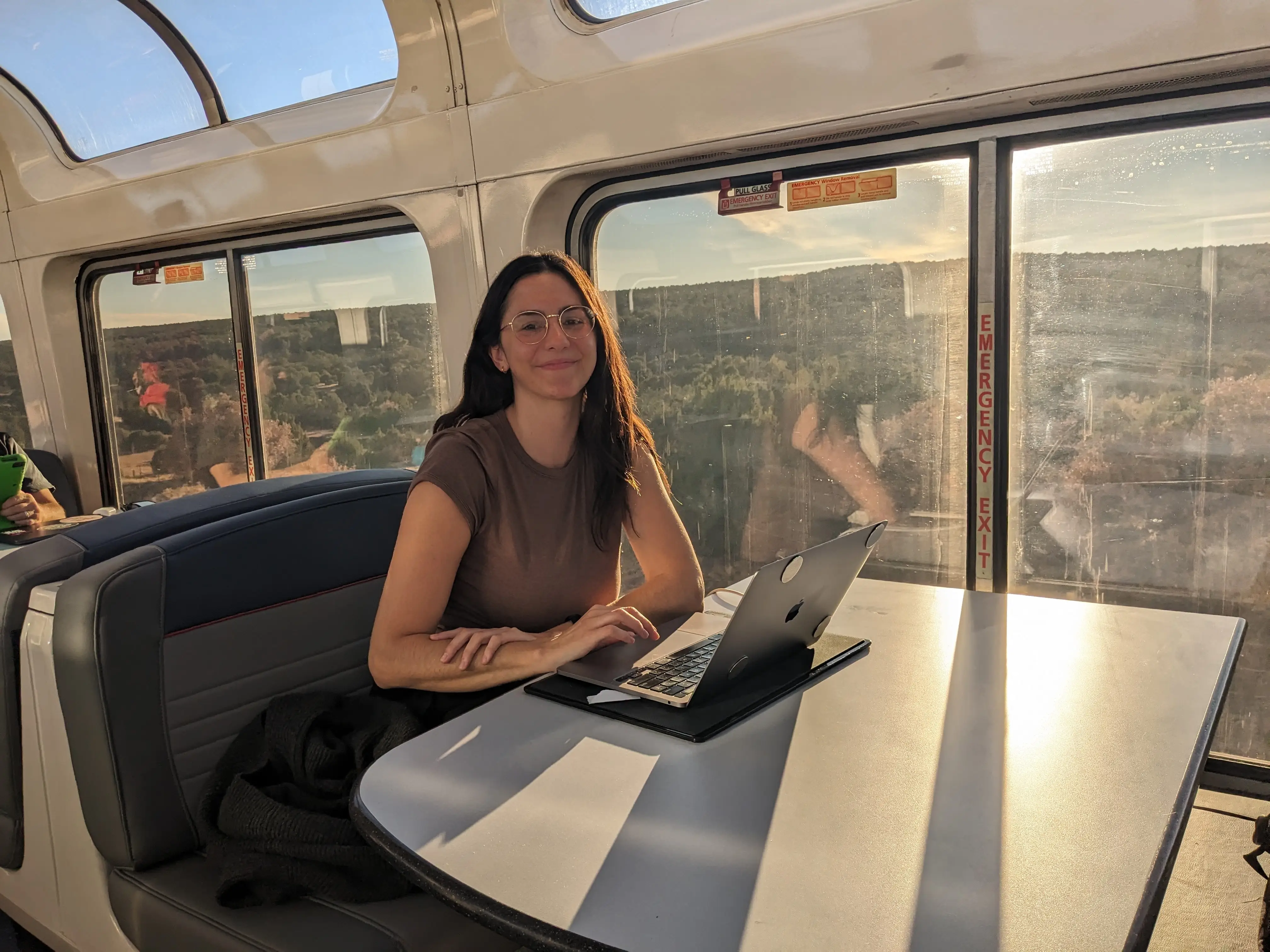
The other option was to go to the community space, where outlets were plentiful. The observation car ended up being my favorite place to work from the train, and where I spent most of my time. In addition to the massive windows, there are full tables that are perfect for a more elaborate work setup. I was able to use my portable second screen, keyboard, and trackpad without feeling cramped.
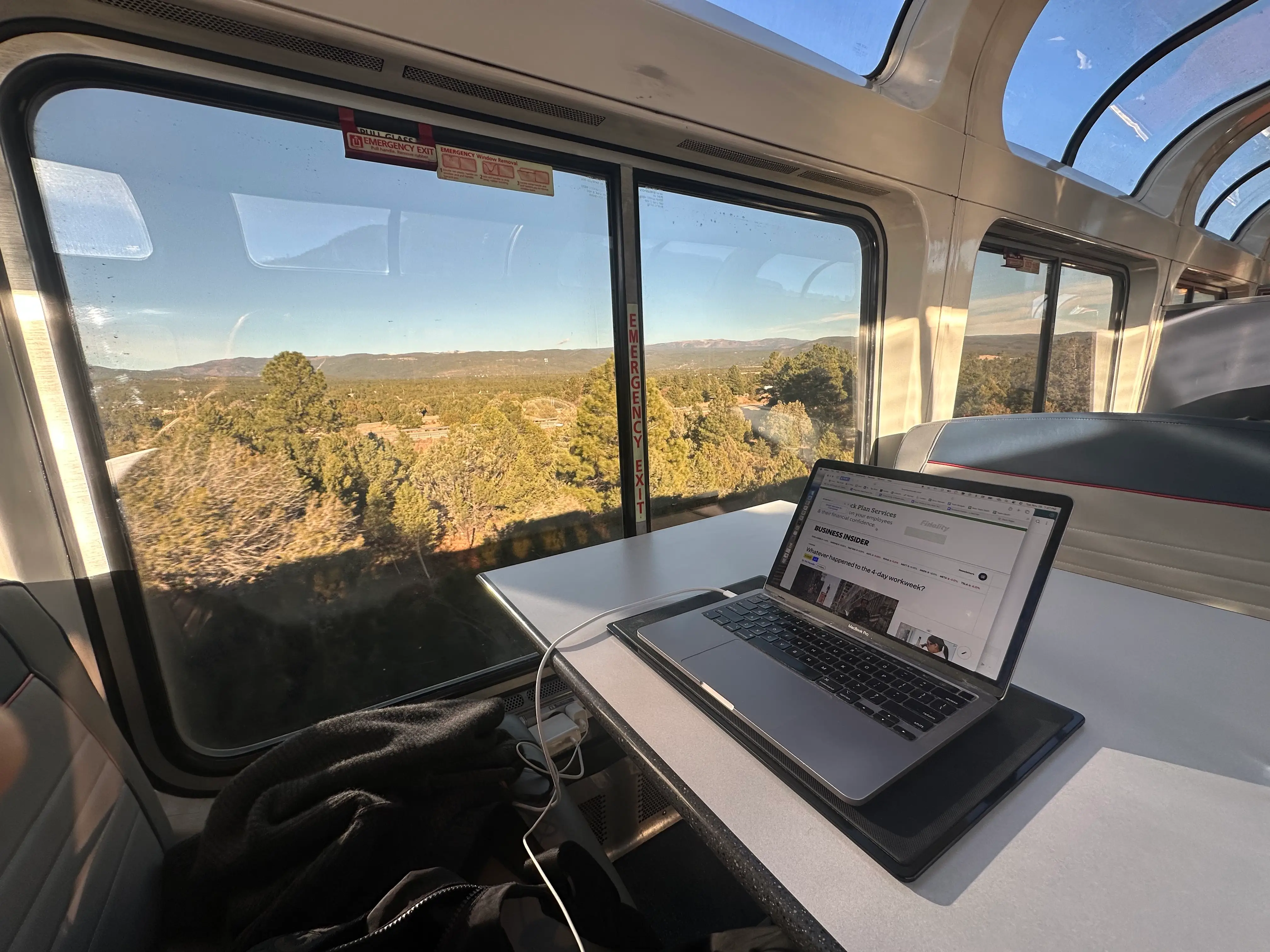
The noise level was low during the day, like a quiet café, so I could’ve taken calls from there too, but for privacy’s sake, I would trek down to my sleeper car when I needed to make a call.
Observation car seats can fill up, so you may want to get there early to stake out your spot. My train was not especially busy, so it was easy for me to get a spot at a table any time I went in. One time that meant sharing the table with a stranger, but it only added to the communal vibe of the train.
Plan to work around meal times
One of the most charming aspects of riding Amtrak is the traditional dining service, where passengers are seated alongside strangers in the very cute, old-school dining car for every meal. Our sleeper car came with three meals a day, and the dining attendant would check in with us each day to reserve our preferred meal times.
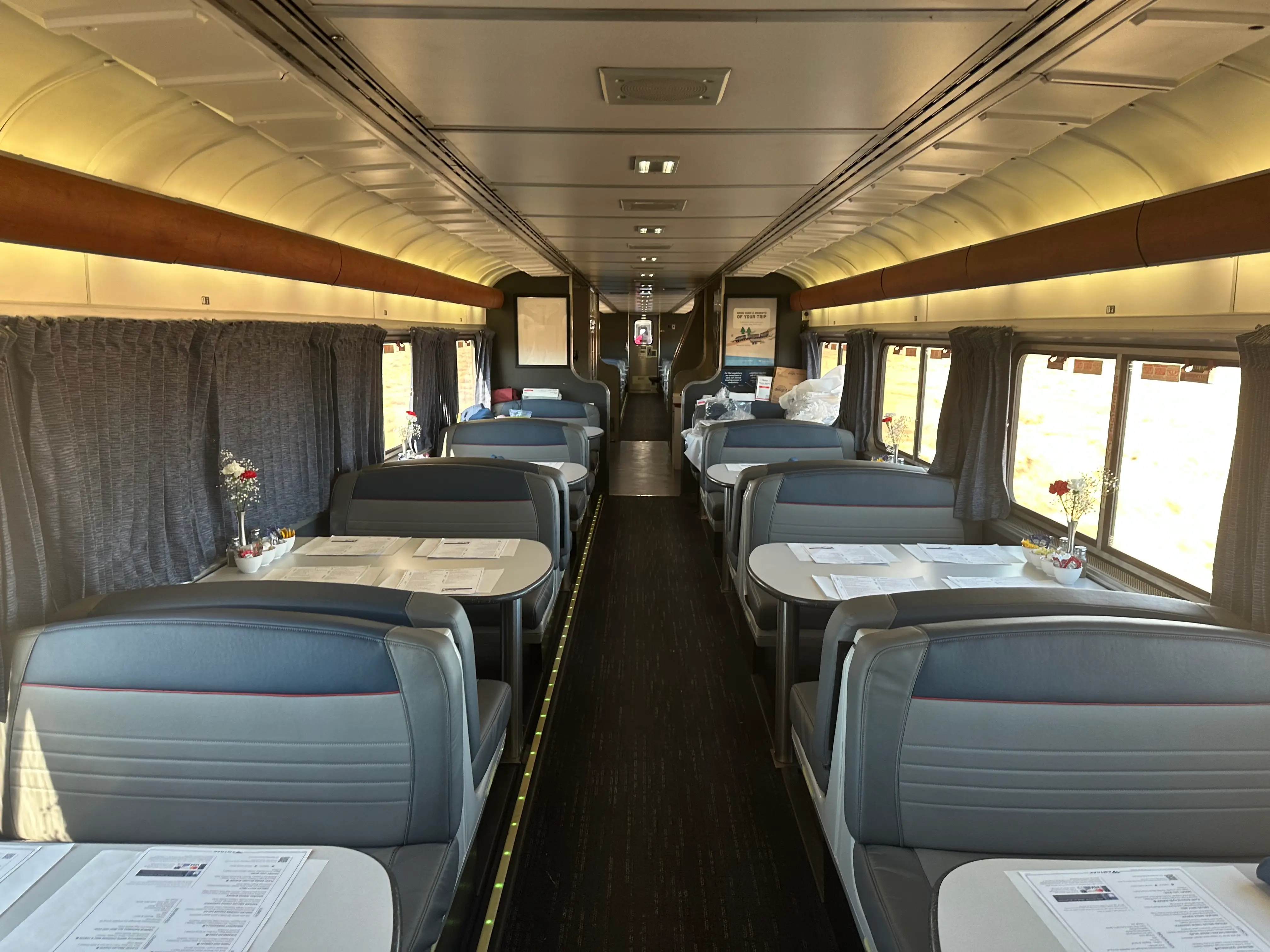
That meant meal times were planned in advance and had to be within the set windows. When I sat down for a meal, I was sharing the table with new people and being served restaurant-style, so it would have been rude and inconvenient to pull out my laptop and work through lunch. The service was fast, but the three-course meals often ended up lasting about an hour.
Whereas at home I typically wait for a slow moment in the day to take a quick 30-minute lunch, on the Amtrak, I had to stop whatever I was doing when it was time to eat and fully disconnect from work, chatting with new people over a meal instead.
While you can get meals sent directly to your sleeper car instead, eating in the dining car is a key part of the Amtrak experience, so I recommend just keeping this in mind and planning your workday around it.
It was also a microcosm of the true appeal of working remotely on the Amtrak — disrupting your usual routine, getting out in the world, and experiencing places and people that you usually don’t.
Read the original article on Business Insider
The post I worked remotely on a cross-country Amtrak train. The views were unbeatable, but I wish I’d known 3 things. appeared first on Business Insider.