Google dominates. It has a heavy presence when it comes to smartphones, smartwatches, smart homes, tablets, security cameras, smart doorbells, and generative AI. It’s even getting back into the smart glasses game.
But more than that, it dominates internet search. So much so that “to Google” long ago became shorthand for “to search.” Want to know where a certain coffee shop is, or when the tire shop closes tonight, or where Class of Nuke ‘Em High was filmed?
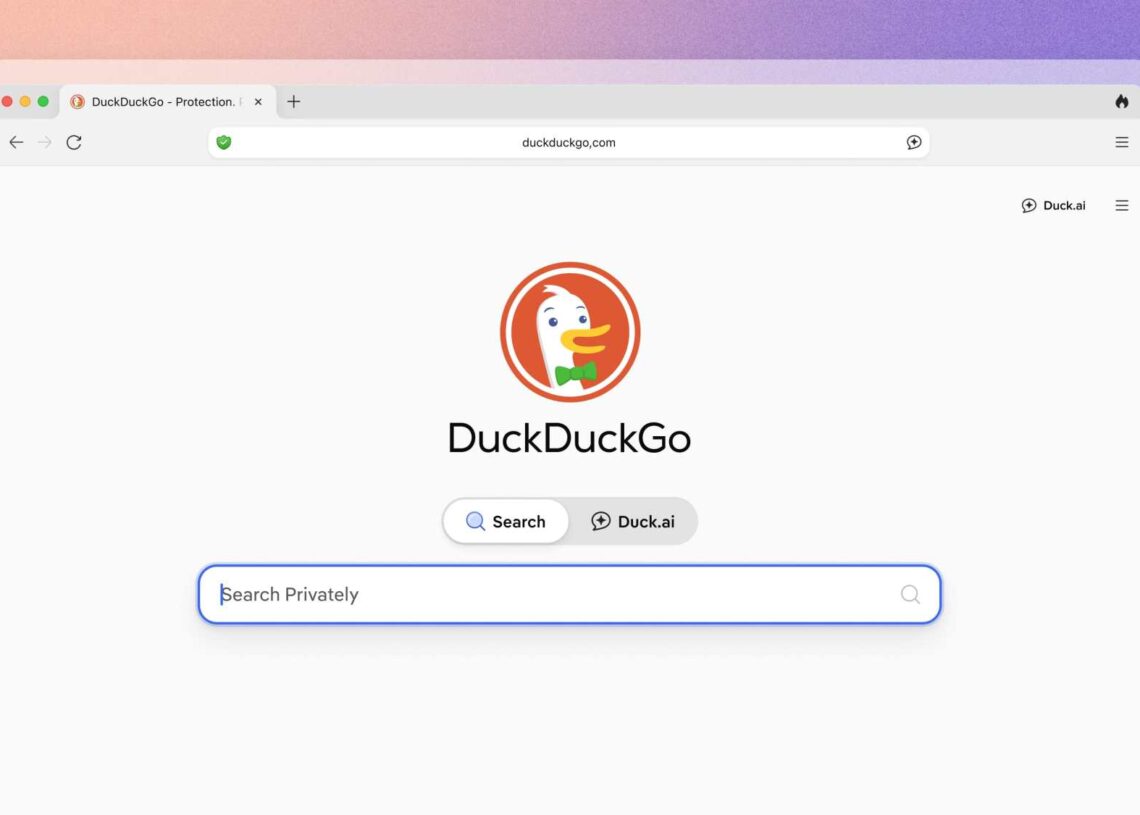
You don’t tell someone to search for it. You tell someone to Google it. But Google siphons up a lot of info about its users. One of the few alternatives to Google and Microsoft Bing is DuckDuckGo. Rather than scoop up your activity and sell it, DuckDuckGo doesn’t collect nearly as much about your search habits. I spent a week with it as my Google replacement, and frankly, it was a breath of fresh air I hadn’t experienced in years.
My Week Using DuckDuckGO
Using DuckDuckGo for all my search queries was like a step backward in time. It’s been a decade, maybe more, since I last saw search result pages that weren’t strewn with sponsored ads and the usual suspects’ results rankings boosted to the top of page one.
It wasn’t a barebones search experience; it was cleaner. You can filter out AI-generated images from image search, if you wish, and set the country in the search settings if you want your results to be specific to one or the other.
Downsides? The biggest one for me is that DuckDuckGo defaults to searching Apple Maps when you punch in a location or business into the search bar, which in turn defaults to searching Yelp when it comes to business reviews, operating hours, contact information, and photographs.
I made a workaround, sort of, by creating a bookmark to Google Maps that lives ever-present on my toolbar, so that when I want to search for a business, I can click it and then punch in my search terms in order to view them on my chosen navigation/business reviews site.
So let’s say you’re convinced. Now what? DuckDuckGo doesn’t cost you a dime, and you don’t have to download anything. Open your browser’s settings menu, search for “default search engine,” and toggle it. DuckDuckGo’s popularity has grown to the point where it’s now an included option in practically any browser you’ll come across.
The post A Week With DuckDuckGo as My Search Engine appeared first on VICE.